
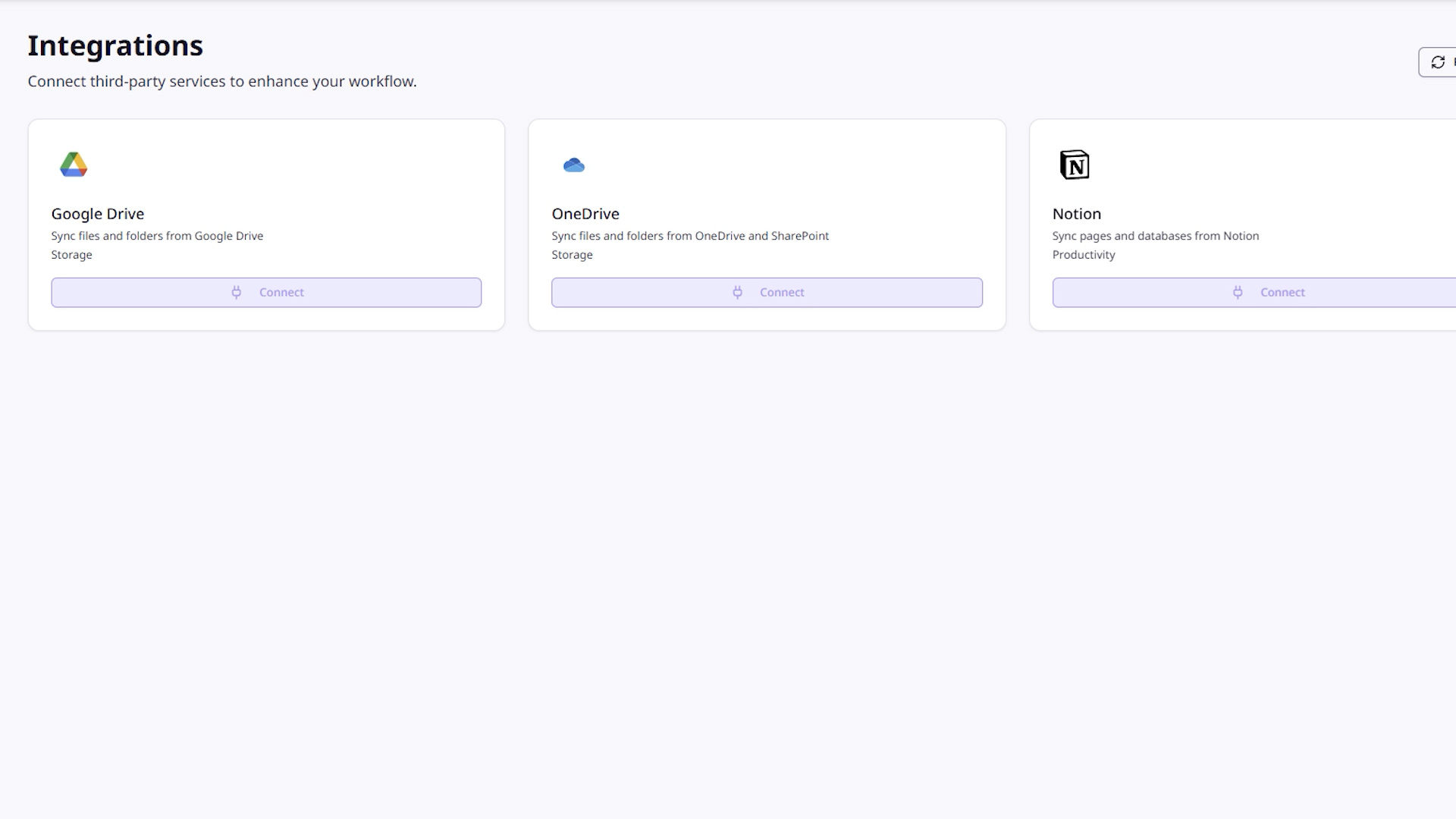
Google Drive
Available•OAuth2 authentication
•Folder and file selection
•Scheduled sync: hourly, daily, or weekly
•Shared drive support
•File type filtering and size constraints
OneDrive / SharePoint
Available•OAuth2 via Microsoft Graph API
•Personal and organizational accounts
•Folder sync with structure preservation
•SharePoint site support
•Scheduled sync
Notion
Available•OAuth2 authentication
•Page and database import
•Recursive page syncing
•Content structure preservation
Build your own pipeline.
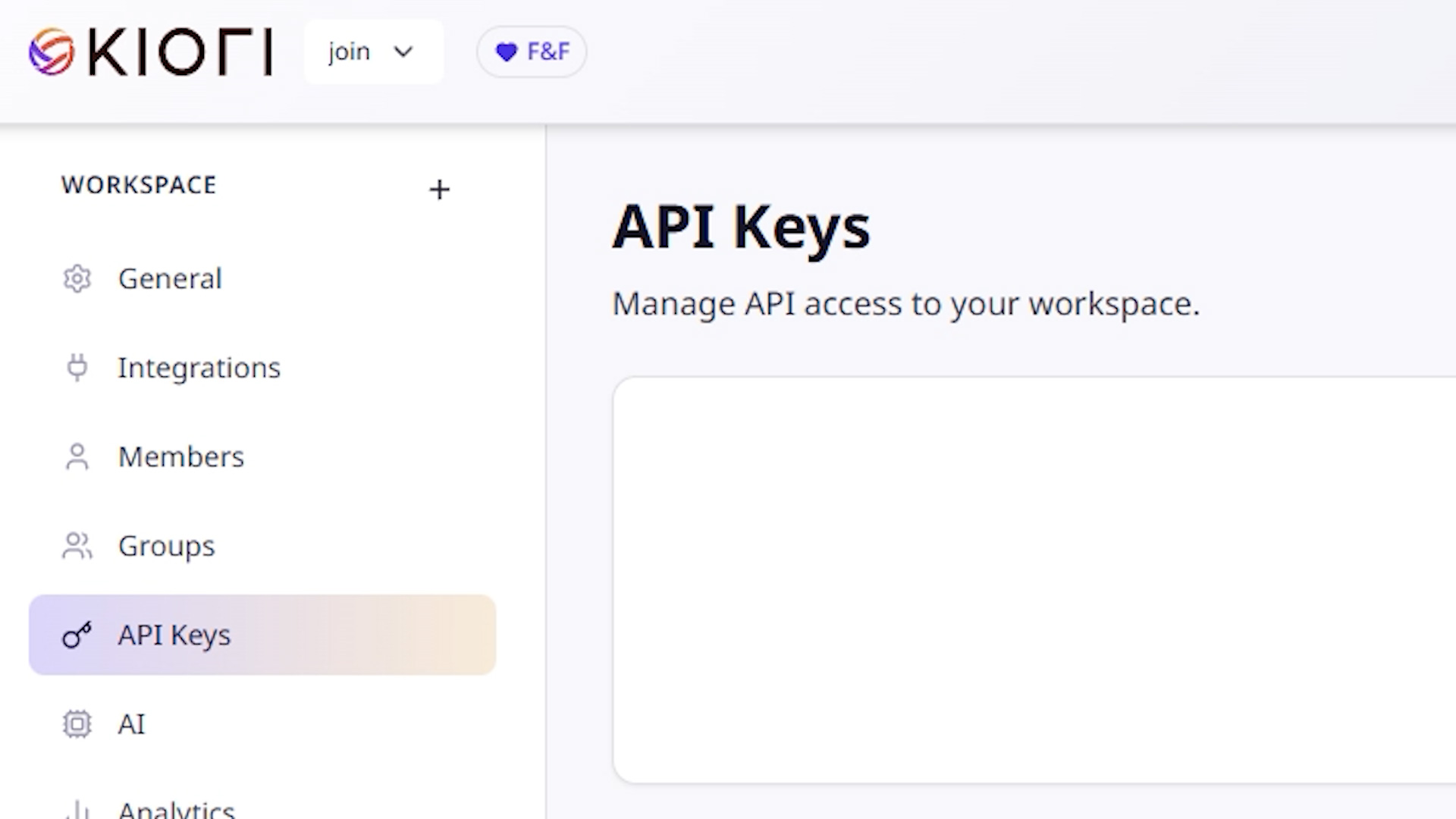
Need to ingest documents programmatically? Use API keys to push content into Kiori from your own workflows, scripts, or CI/CD pipelines.
•API keys with granular permissions (read, write, admin)
•Rate limiting and usage tracking
•Key rotation for security
•Available on Pro, Team, and Enterprise plans
More integrations on the way.
Missing an integration? Let us know. We're building connectors for more tools. In the meantime, our API lets you connect anything.
How sync works.
Synced files go through the same ingestion pipeline as uploaded documents. They're chunked, embedded, and indexed for semantic search.
External Source (Drive / OneDrive / Notion)
↓
Upload → Normalize → Chunk → Embed → Index
↓
Searchable Knowledge Base