
“Built by someone who was tired of losing their own notes.”
The story behind Kiori
How It Works
Three steps to knowledge that compounds.
Drop in
Upload docs, paste links, save notes. Kiori indexes everything and makes it searchable instantly.
Ask anything
Ask questions across all your files. Get answers with sources, not just search results.
Build on it
Save insights to visual canvases. Turn research into documents. Your knowledge compounds over time.
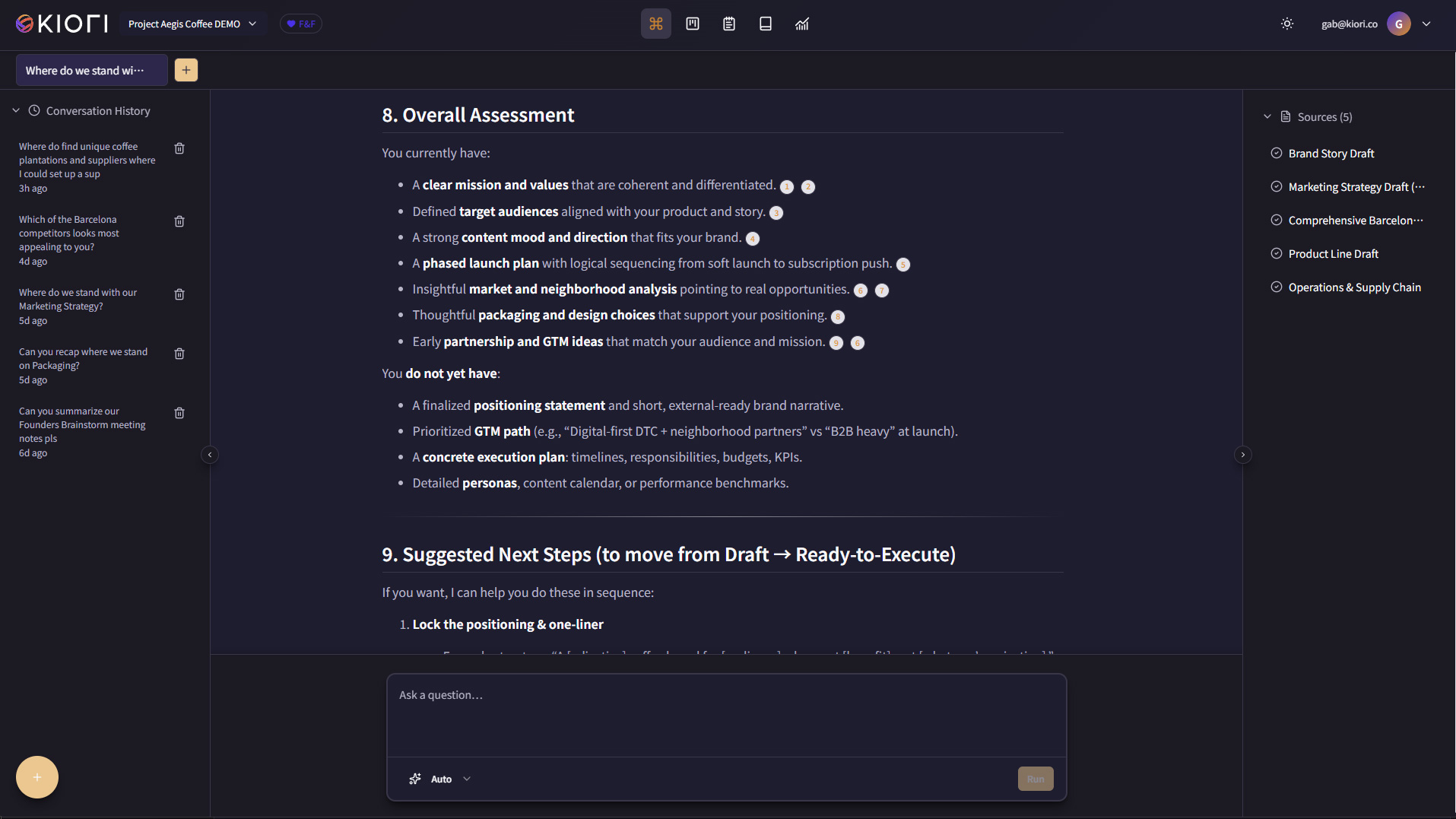
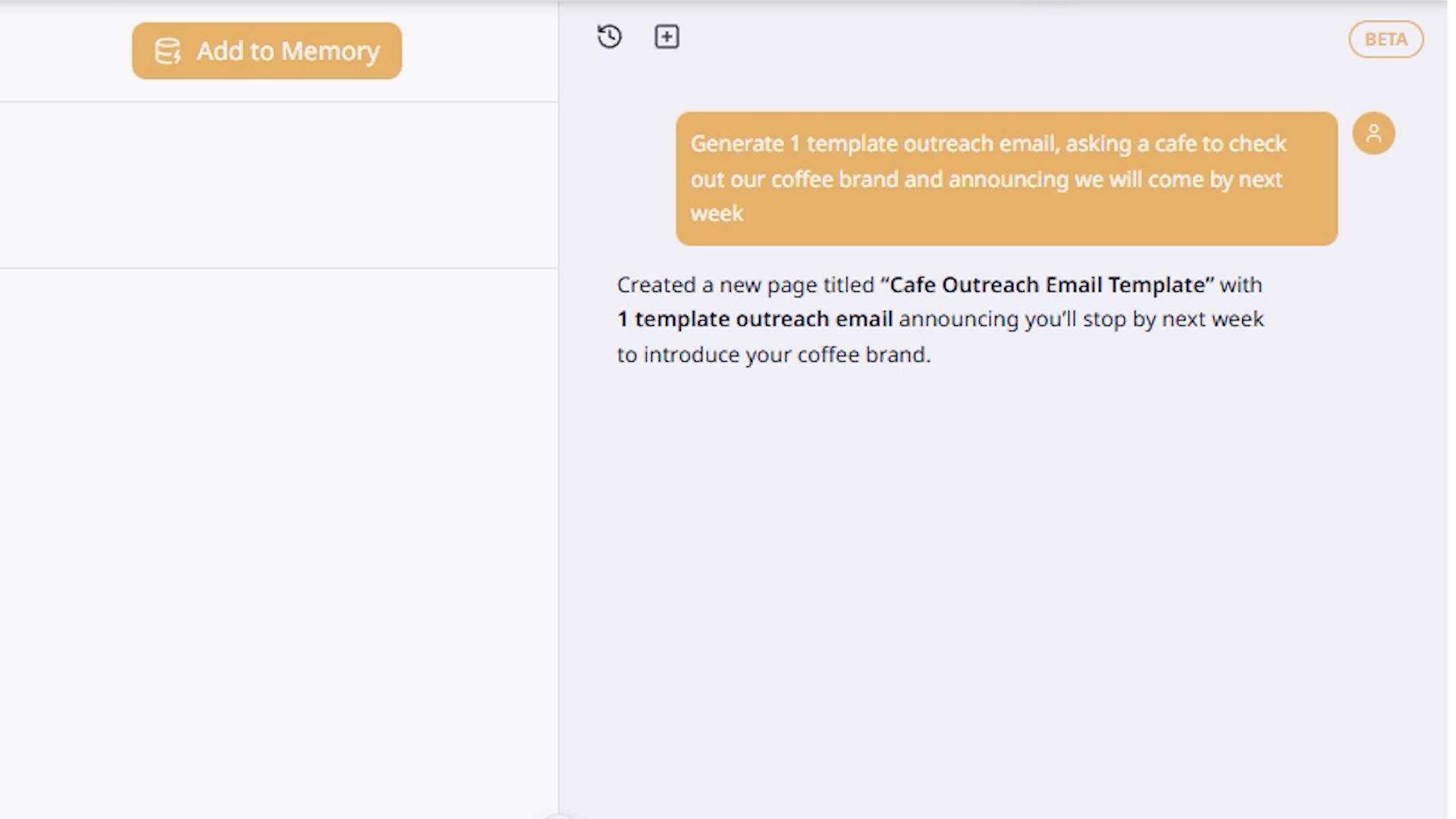
Ask questions. Get answers from YOUR knowledge, with sources.
Kiori goes beyond simple search. Specialized AI agents plan research across your documents, identify gaps, and synthesize findings with citations and confidence scores.
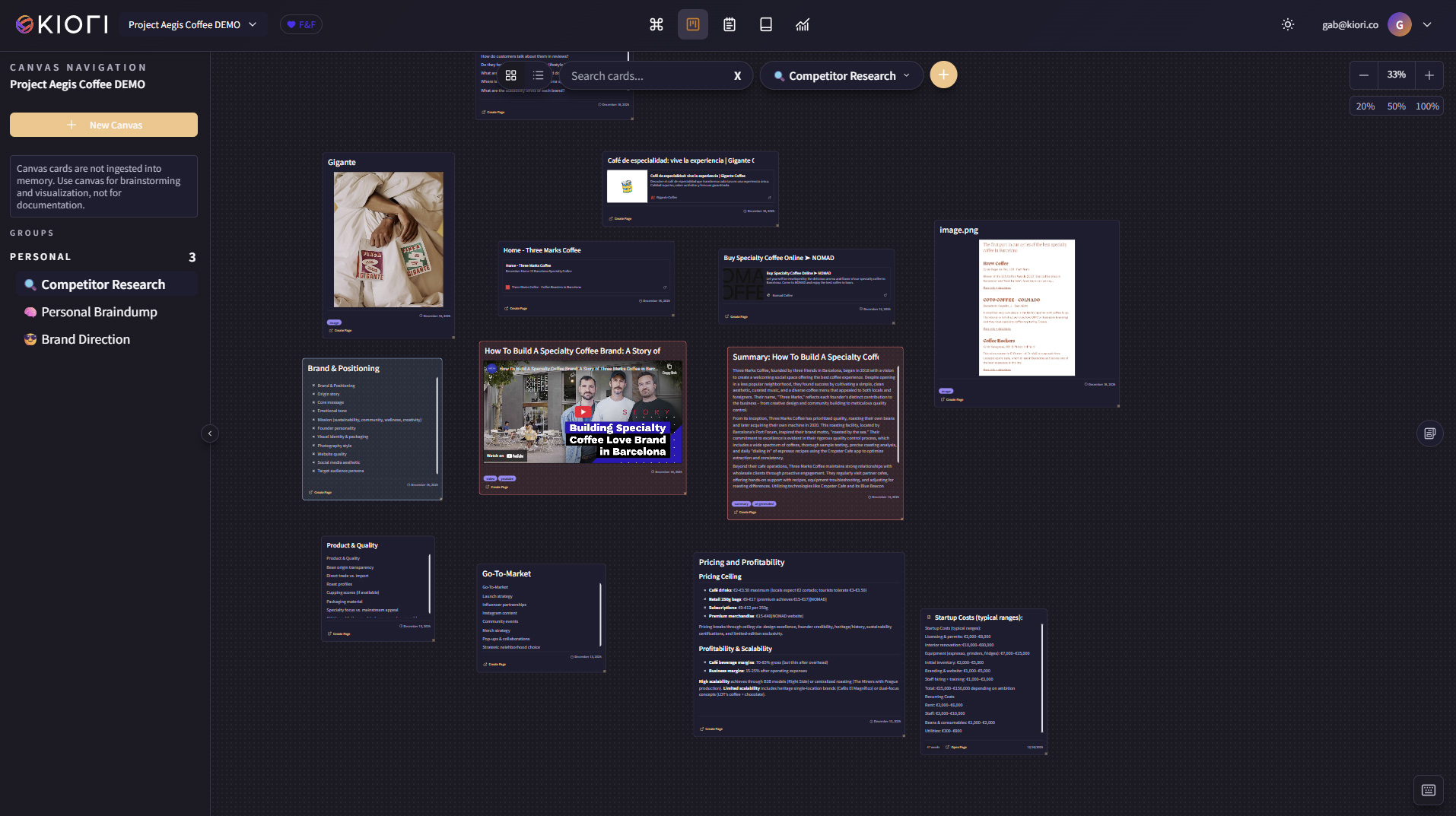
See how your ideas connect.
Canvases are your thinking space. Save chat responses, paste links, drop images, transcribe videos - all as cards you can arrange, group, and build on freely.
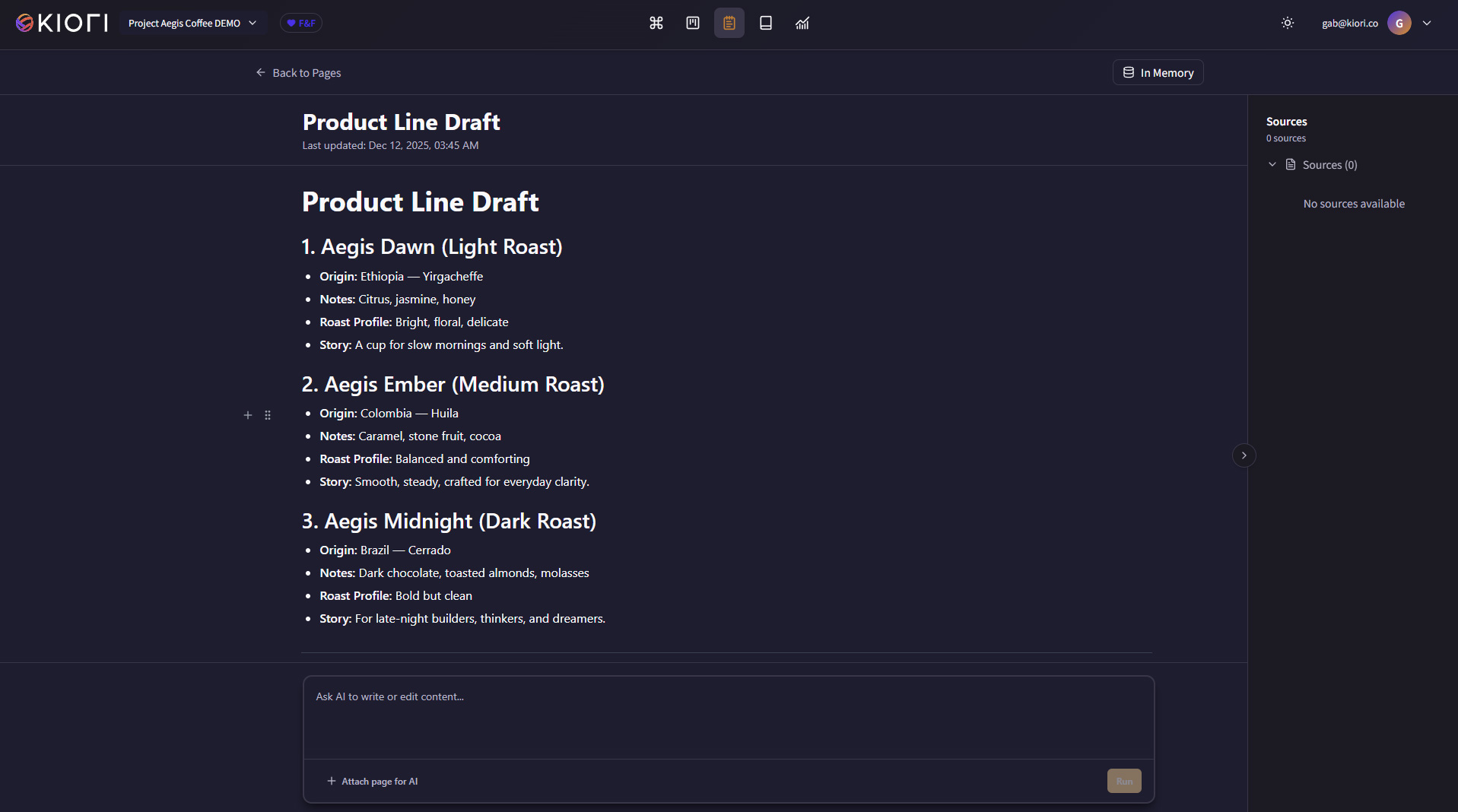
Turn research into real documents.
A modern editor powered by your knowledge base. Generate reports, summaries, and documentation from your canvas cards - then feed them back into your knowledge base.
Your files, always in sync.
Connect Google Drive, OneDrive, or Notion to keep your knowledge base current. Select folders, set sync schedules, and Kiori handles the rest.
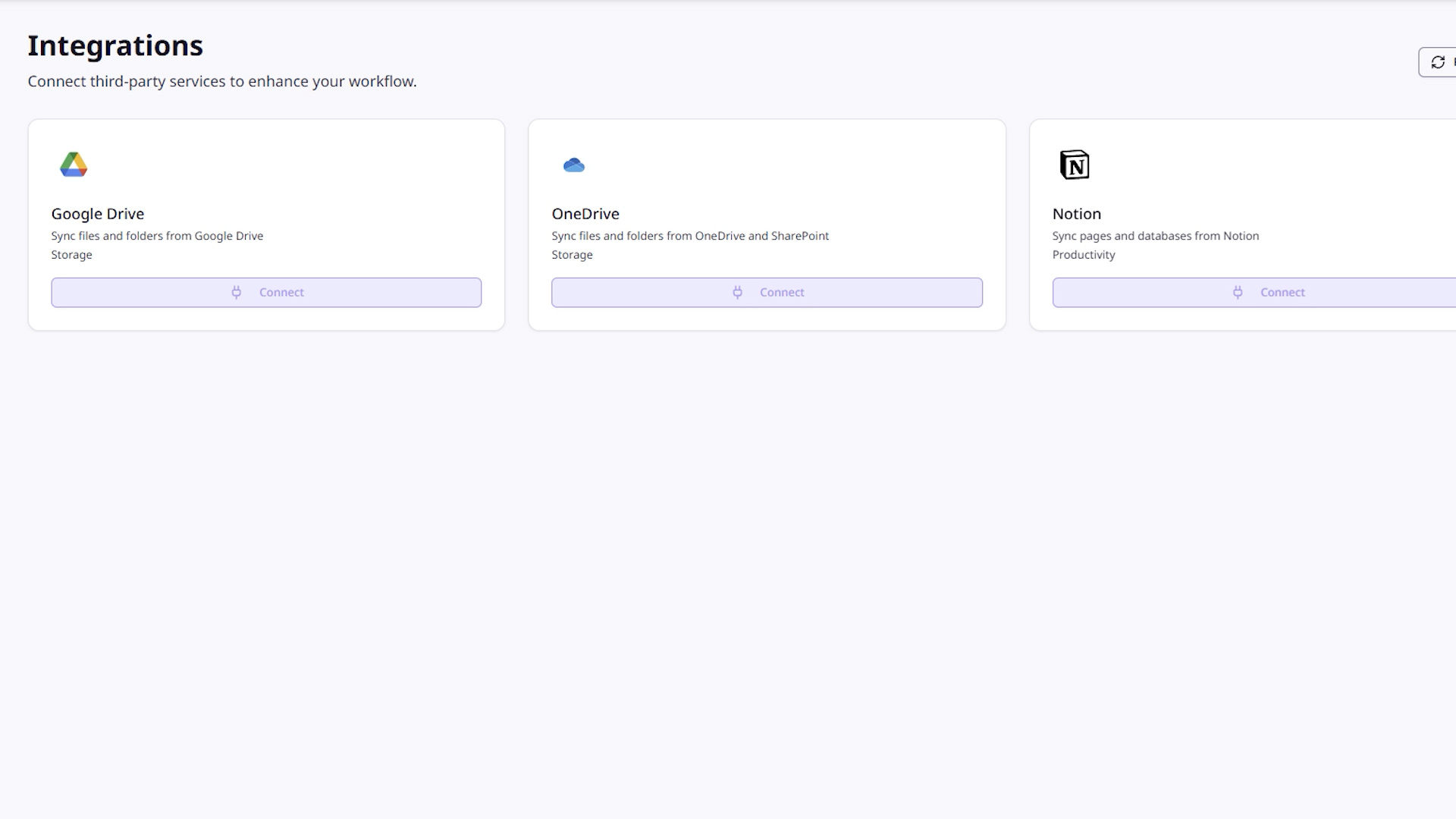
Sync your files from Google Drive, OneDrive, and Notion. Or ingest via API.
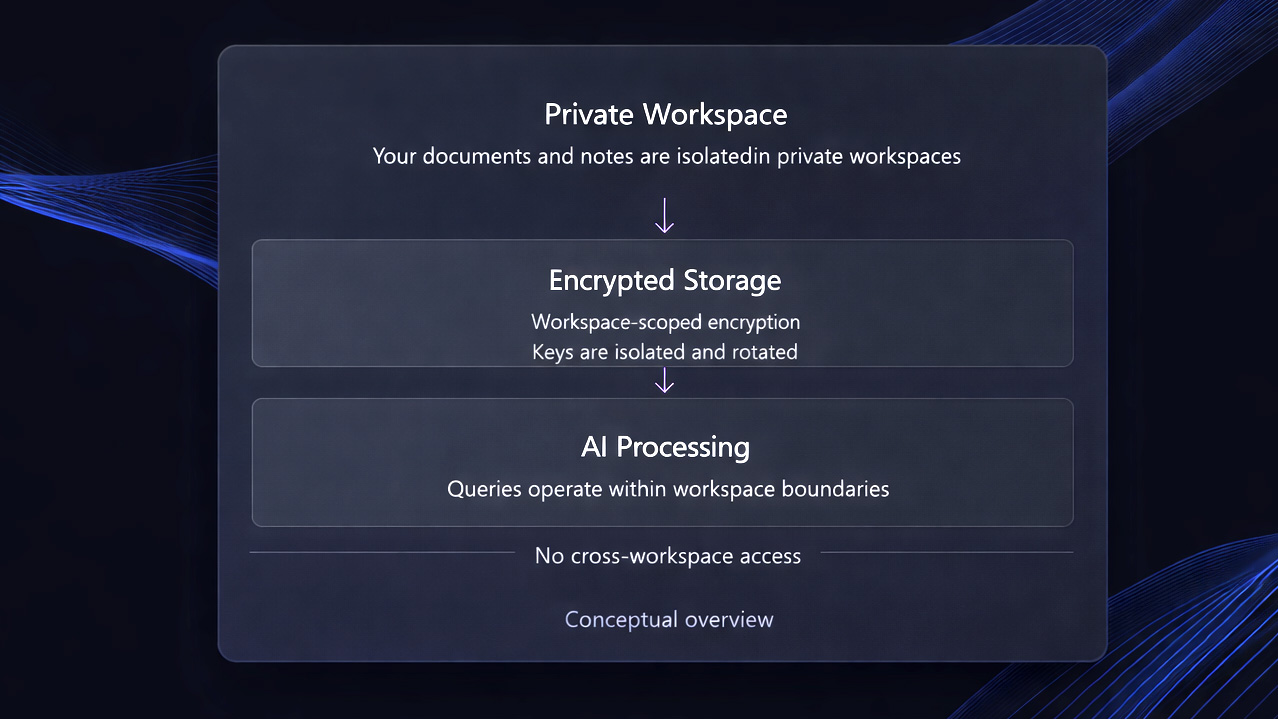
Security built in, not bolted on.
Enterprise-grade privacy and security controls are part of Kiori's architecture - not add-ons or marketing claims.
Simple pricing. No surprises.
Free
For getting started
- 100 documents · 100 MB storage
- 1 Canvas · 100 Pages · 1 Integration
- 25 AI queries per day
- 1 Public Workspace
- Community support
Pro
For individuals who learn and create
- 2,500 documents · 1 GB storage
- Unlimited Canvases, Pages & Integrations
- Unlimited AI queries
- Deep research & web search
- AI memory · No ads
- 1 Public Workspace
- API access